Home AR Designer3
Publisher Description
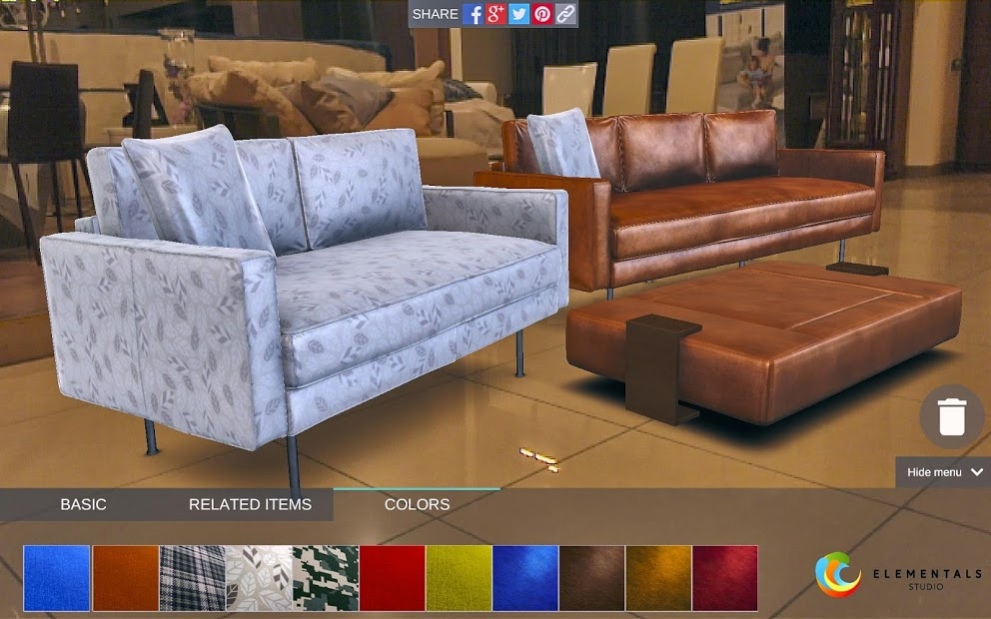
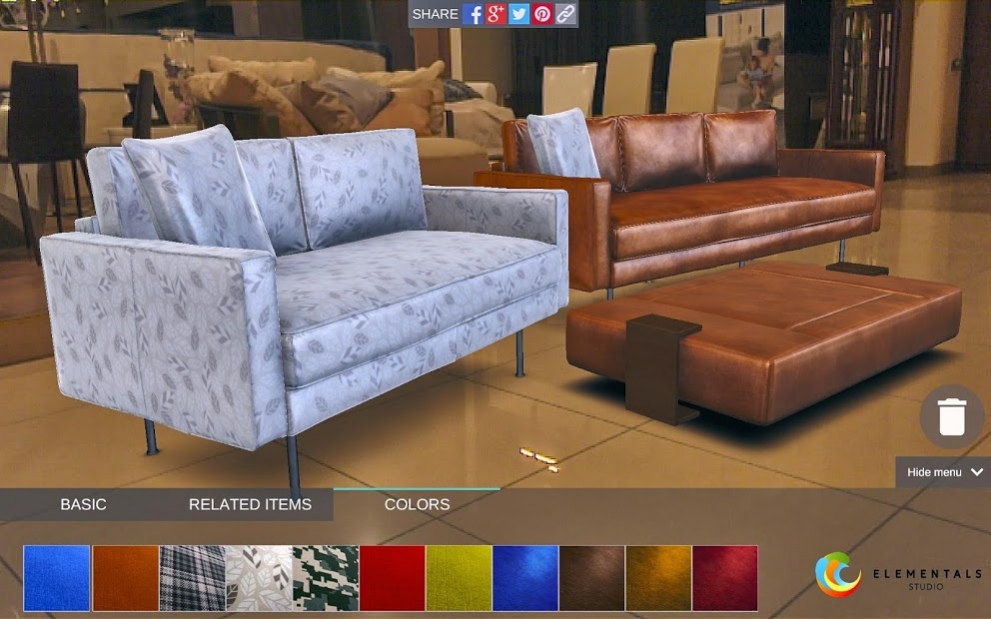
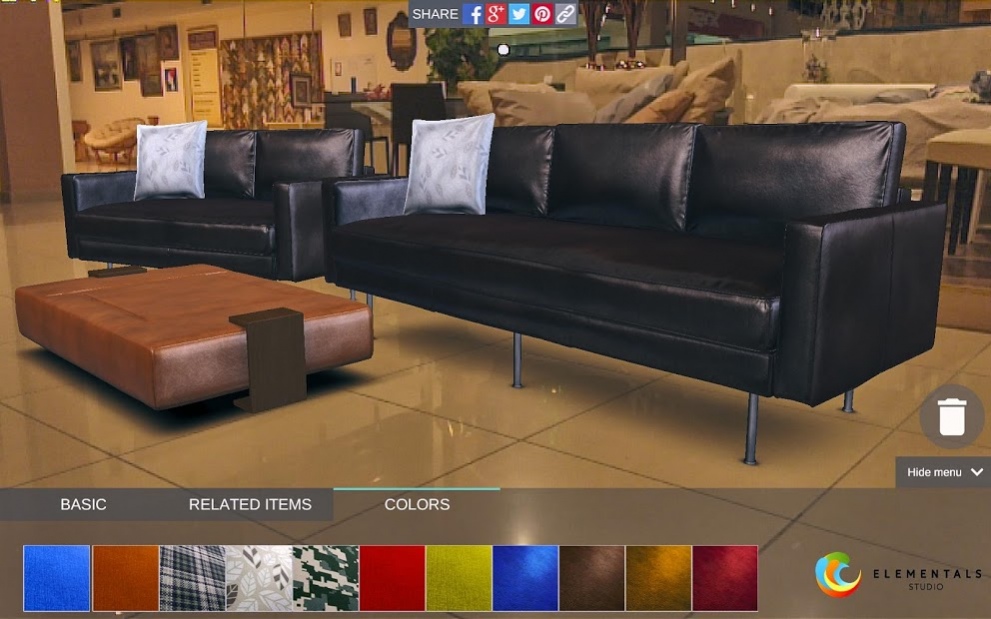
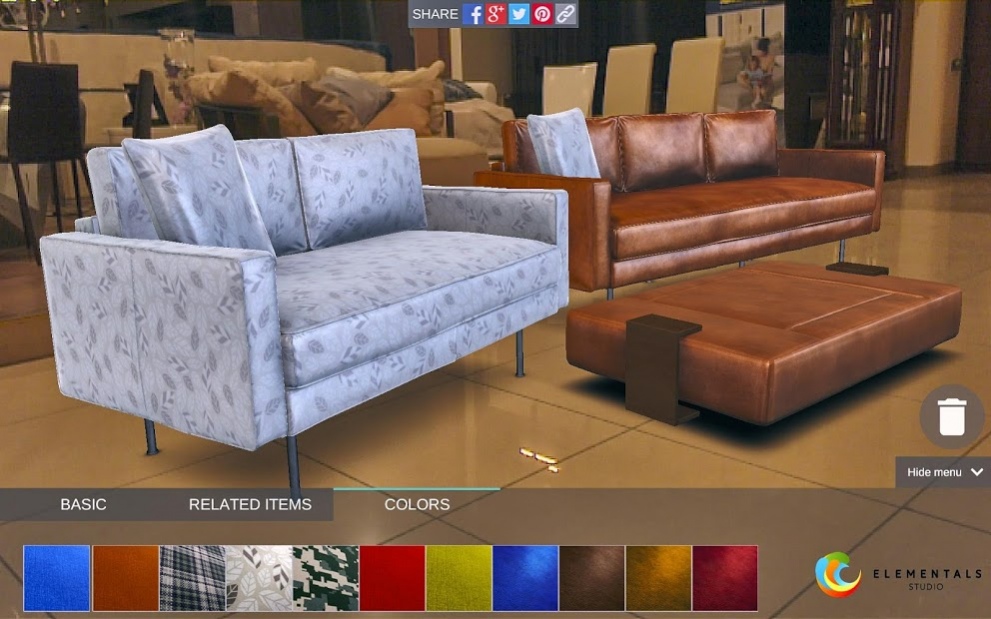
A home improvement application through augmented reality with high quality configurable furniture 3D models. Unleash full potential of home furniture and interior design through Augmented Reality.
Our main goal is to provide people with the best home design experience ever. Everything can be done in high quality 3D and by the person himself.
3D configuration of your home interior in augmented reality. Walk around the room freely and see the furniture from all sides and angles.
No more AR markers, no more floating objects, great surface recognition.
Change colors and materials, place furniture and accessories anywhere in your room. Configure your own desired sofas.
Share your personal designs with friends, rate their designs and view them in your own room! Buy AR room designs from designers and sell your own designs. Recommend furniture and tips to friends. Inspire and be inspired.
Stunning visual quality of the 3D models - you won't see the difference between a real sofa and our 3d model.
We have developed the project not only to showcase furniture configuration, but to inspire and show the way we see the future of home interior design and improvement!
About Home AR Designer
The company that develops Home AR Designer is Elementals Studio. The latest version released by its developer is 3.
To install Home AR Designer on your Android device, just click the green Continue To App button above to start the installation process. The app is listed on our website since 2018-04-11 and was downloaded 21 times. We have already checked if the download link is safe, however for your own protection we recommend that you scan the downloaded app with your antivirus. Your antivirus may detect the Home AR Designer as malware as malware if the download link to com.Elementals.ARHomeDesigner is broken.
How to install Home AR Designer on your Android device:
- Click on the Continue To App button on our website. This will redirect you to Google Play.
- Once the Home AR Designer is shown in the Google Play listing of your Android device, you can start its download and installation. Tap on the Install button located below the search bar and to the right of the app icon.
- A pop-up window with the permissions required by Home AR Designer will be shown. Click on Accept to continue the process.
- Home AR Designer will be downloaded onto your device, displaying a progress. Once the download completes, the installation will start and you'll get a notification after the installation is finished.
Program Details
System requirements
Download information
Pricing
Version History
version 3
posted on 2018-04-11
Share image option added
Hint on how to place furniture added
version 2.1
posted on 2016-12-20
- Added simple system for measurements,- Improved permission handling (Android 6.0 and above),- Other minor changes
